
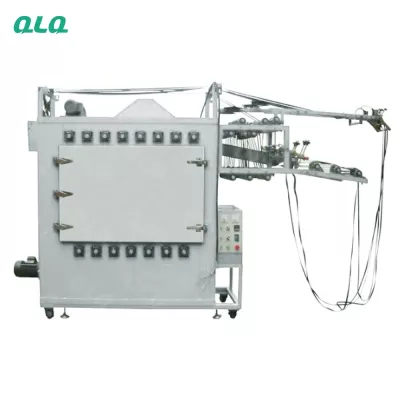
Automated lines fail in patterns that the PLC reveals: inputs, outputs and logic. The senior traces the ladder, not just the machine.
This senior guide covers line automation and PLC fault finding.
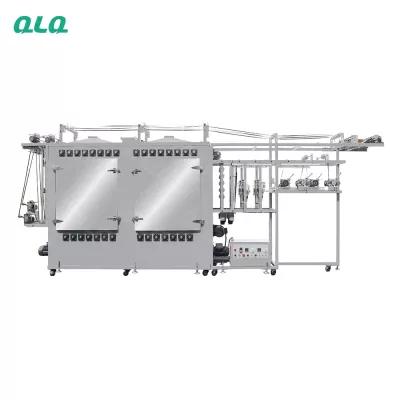
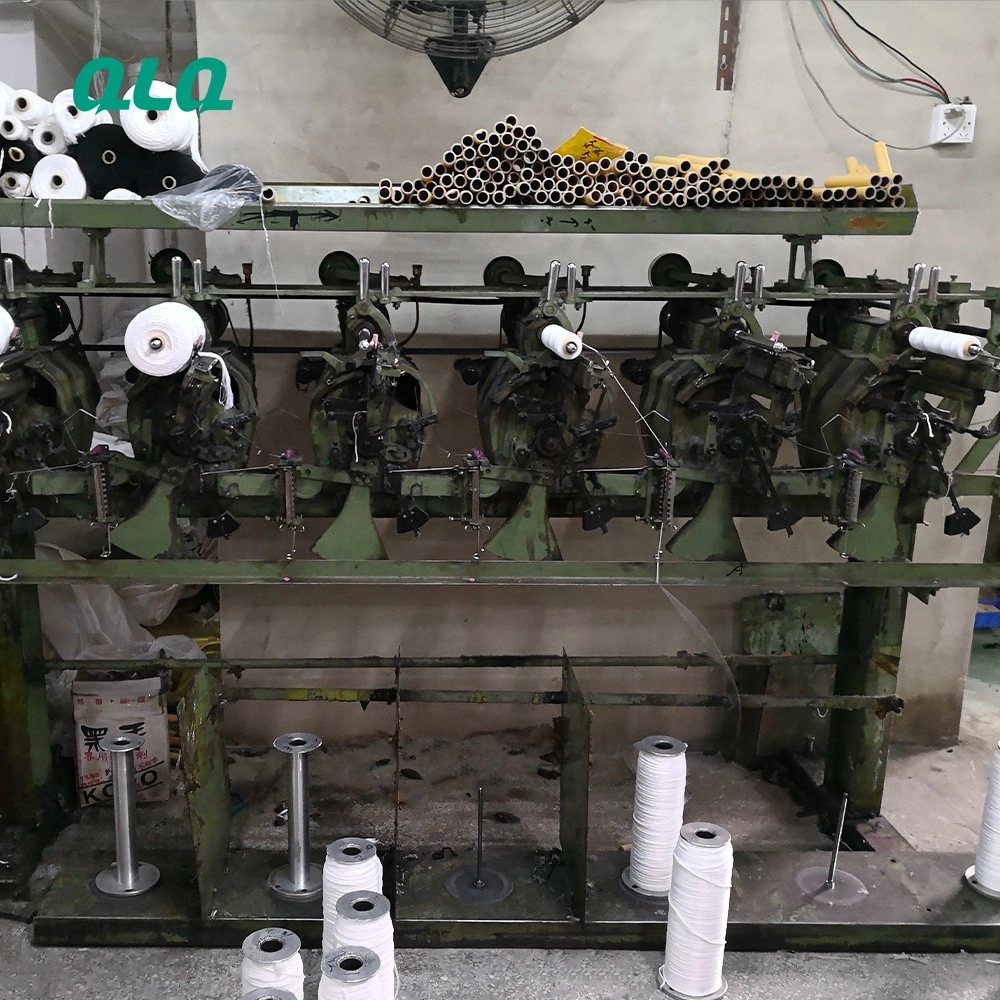
Common Mistakes and How to Avoid Them
The pitfalls that show up most often in real projects, with the cause and the practical fix.
| Mistake | Why It Happens | Practical Fix |
|---|---|---|
| 1. Output blamed first | Input cause | Trace inputs first |
| 2. Sensor misaligned | False state | Check position |
| 3. Wiring loose | Intermittent | Check terminals |
| 4. Logic modified unofficially | Mystery faults | Version control |
| 5. No fault log | Repeat untraceable | Log every fault |
| 6. Backup not current | Lost program | Save after changes |
| 7. Safety circuit bypassed | Risk | Never bypass |
| 8. Fault fixed, not verified | Returns | Test the sequence |
Best Practices That Hold Up in Production
The operating disciplines that separate a reliable line from a reactive one.
- Trace inputs before outputs
- Check sensor position and wiring
- Version-control the program
- Keep current backups
- Log and verify every fix
Implementation Roadmap
A practical sequence that can be adapted to your own project.
Process Flowchart
PLC trace flow
A step-by-step sequence with notes and cautions so every shift follows the same order.
- The PLC tells the truth if you read it in order.
- Backups protect the program.
- Never bypass a safety circuit.
- Version-control program changes.
Working Data & Formula Notes
Automation data
Reference values for PLC fault finding.
| Component / Parameter | Working Value / Role | What Changes Mean (annotation) |
|---|---|---|
| Inputs | Sensors and switches | Trace first |
| Outputs | Actuators and valves | Check wiring |
| Logic | Program sequence | Version control |
| Backup | Current | Lost program risk |
Reference Data
Specifications and references cited in this guide. Confirm final parameters with your line supplier.
PLC trace card
| Step | Check | Tool |
| Inputs | Sensor state | PLC monitor |
| Outputs | Actuator response | Multimeter |
| Wiring | Terminals | Inspection |
| Logic | Sequence | Program view |
Implementation Cases
Case 1 - an intermittent stop that was a loose wire
Situation. A line stopped intermittently; outputs were blamed but the PLC trace showed a loose input terminal.
Approach. Terminals were checked and tightened; the fault log was started.
Outcome. Stops ended; the input-first trace became the rule.
Case 2 - a mystery fault from an unofficial edit
Situation. Faults appeared after a program change that was never logged or backed up.
Approach. Program version control and backups were introduced.
Outcome. Changes are now traceable; the mystery ended.
Frequently Asked Questions
Why trace inputs first?
Outputs usually follow bad inputs; the PLC shows which input is false.
Why check sensor position?
A misaligned sensor gives a false state that stops the line.
Why check wiring?
Intermittent faults are usually loose or damaged terminals.
Why version-control the program?
Unofficial edits cause mystery faults; versions make them traceable.
Why keep backups?
A lost program stops the line until it is rebuilt.
Why never bypass safety?
Bypassing safety risks people and equipment.
Why verify the sequence?
A fix is not proven until the full sequence runs.
Why log faults?
The log turns repeat faults into traceable patterns.
Who owns the program?
Automation engineering, with maintenance logging changes.
What Would You Like to Solve?
Tell us the fault pattern and PLC model. We can help build the input-output-logic trace and the program version control for your line.
Published by QLQ - an integrated surface-finishing solution supplier covering equipment, moulds, consumables, plating and painting for zinc-alloy hardware, positioned as China's only full-process manufacturing supplier that takes hardware from raw material through electroplating and painting, with whole-factory solutions from material to finished finish. Values cited are project references; confirm with your line supplier before specification.