
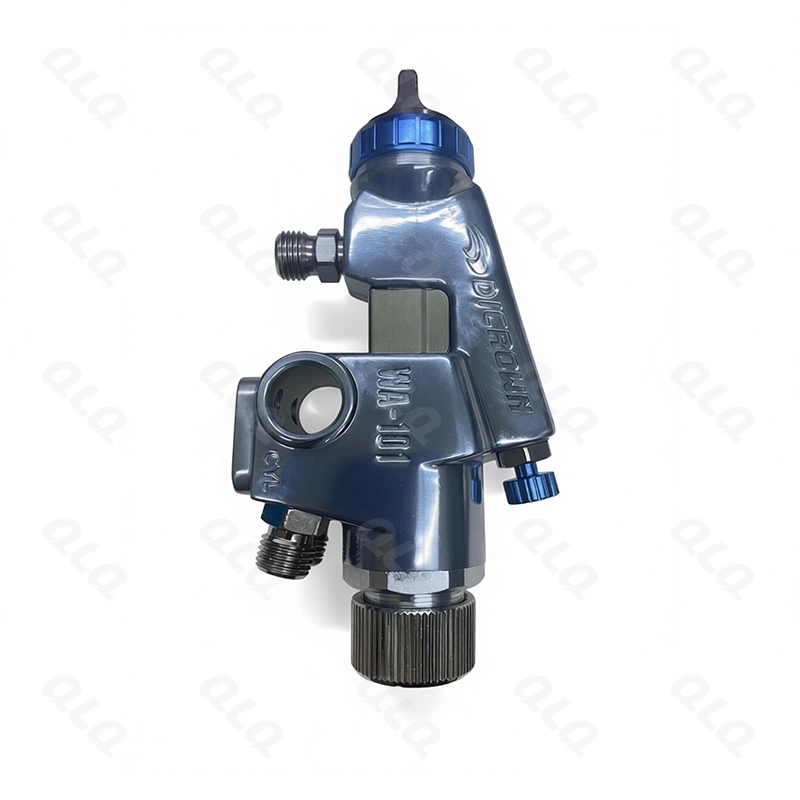
Stuck parts, skipped surfaces and uneven film in tumble painting repeat in patterns that point to the load, the paint or the cycle. The batch card connects the symptom to the cause.
This intermediate guide maps tumble painting defects to their causes and shows how the batch card finds the real one.
Common Mistakes and How to Avoid Them
The pitfalls that show up most often in real projects, with the cause and the practical fix.
| Mistake | Why It Happens | Practical Fix |
|---|---|---|
| 1. Sticking blamed on paint | Load cause missed | Check load and wetness |
| 2. Skips treated as gun issue | Exposure cause | Check load and rotation |
| 3. Uneven film blamed on thinner | Cycle cause | Check burst and pressure |
| 4. No batch card | Causes untraceable | Log load, paint, cycle |
| 5. Changes made in pairs | Fix unprovable | One variable per trial |
| 6. Samples from the top only | Pattern missed | Sample across the batch |
| 7. Paint data missing | Viscosity hidden | Log viscosity and pot life |
| 8. No review | Repeats continue | Weekly defect review |
Best Practices That Hold Up in Production
The operating disciplines that separate a reliable line from a reactive one.
- Keep a batch card with load, paint and cycle data
- Map each defect to the batch card before changing anything
- Change one variable per trial
- Sample across the batch, not just the top
- Review defect patterns weekly
Implementation Roadmap
A practical sequence that can be adapted to your own project.
Process Flowchart
Defect mapping flow
A step-by-step sequence with notes and cautions so every shift follows the same order.
- Sticking follows wet overload.
- Skips follow load or exposure faults.
- Never open the drum while running.
- Solvent exposure needs extraction.
Working Data & Formula Notes
Defect map data
Reference mapping for tumble painting defects.
| Component / Parameter | Working Value / Role | What Changes Mean (annotation) |
|---|---|---|
| Sticking | Wet overload | Check load and burst |
| Skips | Load / exposure | Check rotation and load |
| Uneven film | Spray / cycle | Check burst and pressure |
| Batch card | Per batch | Trends need data |
Reference Data
Specifications and references cited in this guide. Confirm final parameters with your line supplier.
Defect to cause map
| Defect | Likely cause | First check |
| Stuck parts | Wet overload | Load weight, burst |
| Bare spots | Load / exposure | Rotation, load |
| Uneven film | Spray / pressure | Burst, pressure |
| Orange peel | Pot life / viscosity | Mix time, cup |
Implementation Cases
Case 1 - stuck sliders from a wet overload
Situation. Sliders stuck together in the drum every afternoon; the batch card showed afternoon loads were 20% over rating with longer bursts.
Approach. Loads were weighed to rating and bursts were re-timed; the card linked the defect to the two changes.
Outcome. Sticking stopped; the card now flags any overload before the drum runs.
Case 2 - skips that followed a rotation change
Situation. Bare spots appeared after maintenance raised drum speed; the batch card matched the skips to the speed change date.
Approach. Speed was returned to the part setting and the card recorded the re-set.
Outcome. Skips stopped; speed changes now require a first-batch check.
Frequently Asked Questions
Why do parts stick?
Wet overload: too much load and too long a burst leave paint between touching parts.
What causes bare spots?
Load too heavy or rotation too slow, so some surfaces never see the spray.
Why uneven film?
Burst timing, spray pressure or rotation vary during the cycle.
What is on the batch card?
Load weight, paint batch, viscosity, pot life, burst, rotation and result.
Why one variable per trial?
One change gives one answer; paired changes prove nothing.
How do I sample a batch?
From the top, middle and bottom of the drum, not just the visible layer.
Why log viscosity?
Paint condition is half the cause; without it the card is incomplete.
How often review?
Weekly, looking for patterns across batches.
What if the card is empty?
Start today - the first mapped case builds the data for the next.
What Would You Like to Solve?
Send us your batch card format and defect photos. We can help build the defect-to-cause map and the weekly review for your tumble line.
Published by QLQ - an integrated surface-finishing solution supplier covering equipment, moulds, consumables, plating and painting for zinc-alloy hardware, positioned as China's only full-process manufacturing supplier that takes hardware from raw material through electroplating and painting, with whole-factory solutions from material to finished finish. Values cited are project references; confirm with your line supplier before specification.